
Doorbells and Chimes
Electrical doorbells and chimes are essential components for home security and convenience, serving to alert homeowners of visitors. These systems can range from basic wired or wireless models to advanced smart doorbells equipped with cameras, motion sensors, app connectivity, and real-time notifications. Additionally, smart locks enhance home access control, offering keyless entry options, remote locking/unlocking via mobile apps, and integration with smart home systems for added security and functionality.
Warrantability
Alberta New Home Warranty Standards:
- Electrical doorbells, chimes, and smart locks typically fall under Alberta’s one-year labour and materials warranty, which covers issues related to electrical fixtures. This warranty applies to devices installed as part of the initial home construction to ensure proper operation.
Builder’s Warranty:
- Builders provide a one-year warranty covering installation-related defects, such as wiring issues or faulty connections that prevent doorbells or locks from working.
- However, issues arising from physical damage, tampering, or improper usage are not covered.
Manufacturer’s Warranty:
Doorbells, chimes, and smart locks typically include manufacturer warranties ranging from 1–5 years, depending on the product and brand. These warranties may cover:
- Defective hardware or software (e.g., malfunctioning buttons, chimes, or touchscreens).
- Battery or electrical failures not caused by improper installation or user error.
- Connectivity issues with mobile apps or smart systems, if related to device manufacturing faults.
Exclusions often include physical damage (e.g., vandalism or impact), improper installation, normal wear-and-tear, and compatibility issues with third-party devices.
Maintenance
Regular maintenance ensures electrical doorbells and smart locks function efficiently and remain reliable:
For Traditional Doorbells & Chimes:
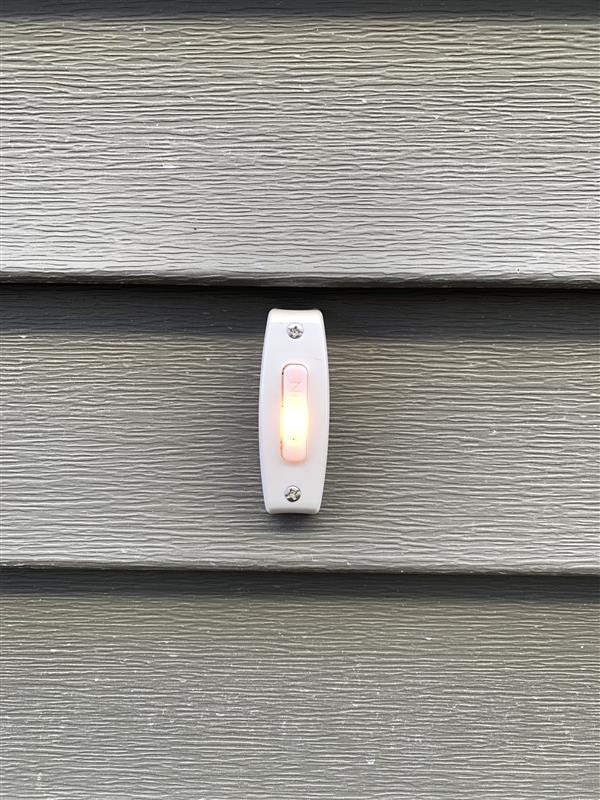
- Clean doorbell buttons and chimes periodically to remove dirt or debris that may interfere with performance.
- Inspect wiring connections for signs of wear, corrosion, or loose fittings.
- Test doorbell buttons and chimes regularly to ensure they are responsive and emitting sound.
For Smart Doorbells:
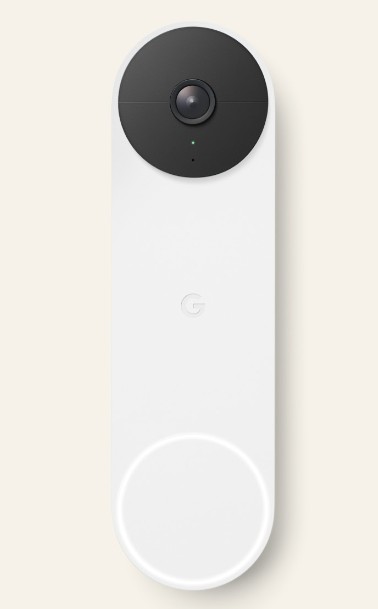
- Keep the camera lens clean with a microfiber cloth to ensure clear visuals.
- Check Wi-Fi connectivity and test the connection through the associated mobile app to verify real-time notifications and functionality.
- For battery-operated models, replace batteries every 6–12 months or as needed to prevent interruptions in service.
- Follow device or app notifications for battery replacement. In cold environments, batteries may need to be replaced or charged more often.
For Smart Locks:
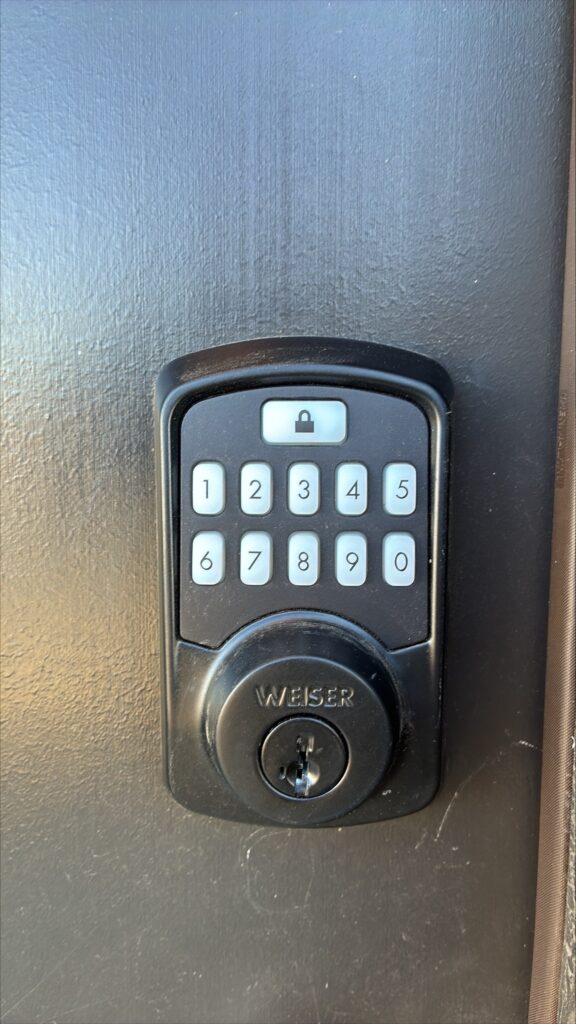
- Inspect the lock mechanism for dirt or debris regularly and clean it with a damp cloth. Avoid using abrasive cleaners that could damage the touchpad or finish.
- Replace batteries regularly (if battery-operated) and keep spare batteries on hand to ensure uninterrupted operation.
- Verify connectivity with your smartphone and smart home system, ensuring software versions are updated to the latest release.
What to Avoid:
- Overlooking signs of diminished performance, such as slow responses, frequent disconnects, or lagging smart features.
- Ignoring necessary software updates for smart locks and doorbells, which may introduce vital security improvements.
- Using harsh chemicals or pressure washers on these components, as water or residue can damage sensitive electronics.
Common Issues, Warrantability, and Repair Solutions
1. Doorbell or Chime Not Working
Warrantability:
- Builder’s Warranty: Non-functioning systems due to poor installation or wiring defects may be covered under the builder’s 1-year labour and materials warranty.
- Malfunctions due to physical damage, battery depletion, or negligence (e.g., moisture intrusion) are not covered.
Repair Solution:
- For wired doorbells: Inspect the wiring and ensure the connections are tight and free of corrosion. Replace damaged wires as necessary.
- For wireless doorbells: Check the battery or power source. Re-pair the transmitter and receiver to restore communication.
- Test the chime box and replace it if unresponsive. For advanced smart doorbell models, ensure they are correctly connected to Wi-Fi and powered.
- If within the warranty period: Contact serviceQ or the manufacturer for support. They may offer troubleshooting or replacement options.
- If outside warranty period: Evaluate the home’s Wi-Fi network and adjust settings to resolve connectivity issues directly.
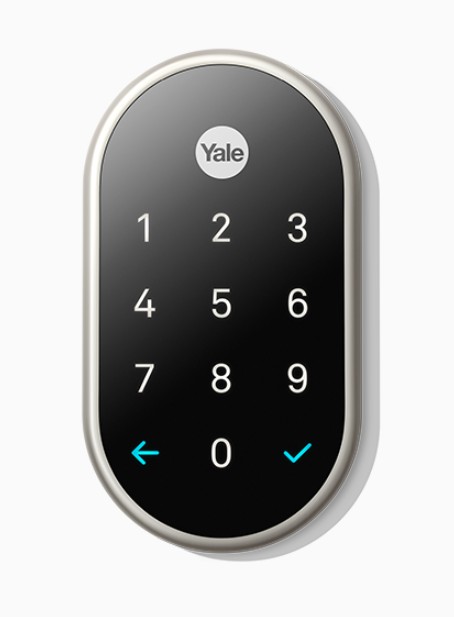
2. Smart Doorbell Connectivity Issues
Warrantability:
- Manufacturer’s Warranty: Connectivity issues caused by software or hardware defects may qualify for coverage (typically 1–5 years).
- Problems related to poor Wi-Fi signal, interference, or user networks are not covered.
Repair Solution:
- Reboot the smart doorbell and the associated router to restore connection.
- Check for software updates through the app. Ensure the device is connected to a 2.4 GHz band if required by the specific doorbell system.
- Consider relocating the Wi-Fi router closer to the doorbell or installing a Wi-Fi extender for better connectivity.
- If within the warranty period: Contact serviceQ or the manufacturer for support. They may offer troubleshooting or replacement options.
- If outside warranty period: Evaluate the home’s Wi-Fi network and adjust settings to resolve connectivity issues directly.
3. Smart Lock Crashes or Fails to Lock/Unlock
Warrantability:
- Builder’s Warranty: Failure of the locking mechanism or the hardware may be covered under the 1-year labour and materials warranty.
- Manufacturer’s Warranty: Hardware or software failures in smart locks due to manufacturing defects may fall under the manufacturer’s warranty, typically for up to 1–5 years.
- Battery depletion, user error, or power interruptions may not qualify as warranty issues.
Repair Solution:
- Replace batteries to ensure uninterrupted system operation.
- Test manual locking/unlocking to diagnose mechanical issues with the locking mechanism.
- Update the lock software through the associated app. If connectivity issues persist, reset the lock to factory settings and reprogram the device.
- If within the warranty period: Contact serviceQ or the manufacturer for support. They may offer troubleshooting or replacement options.
- If outside warranty period: Evaluate the home’s Wi-Fi network for connectivity. Contact a locksmith or contractor to replace a broken lock.
4. Delayed Notifications or Alerts (Smart Devices)
Warrantability:
- Manufacturer’s Warranty: Alert or notification delays caused by software bugs may qualify for the manufacturer’s warranty coverage, but device connectivity problems caused by external networks or interference are not covered.
Repair Solution:
- Verify the app’s notification permissions on your smartphone.
- Check Wi-Fi stability and ensure the device has sufficient bandwidth for real-time notifications. Clear cache or update the associated app to improve performance.
- If within the warranty period: Contact serviceQ or the manufacturer for support. They may offer troubleshooting or replacement options.
- If outside warranty period: Evaluate the home’s Wi-Fi network and adjust settings to resolve connectivity issues directly.
5. Physical Damage to Doorbell or Lock
Warrantability:
- Physical damage caused by accidents, tampering, or external factors (e.g., weather, vandalism) is not covered under most warranties.
Repair Solution:
- For minor cosmetic damage: Clean and refinish the surface using appropriate materials.
- Replace any cracked or broken parts (e.g., doorbell camera lens or lock keypad cover). For major damage, install a completely new device and follow proper installation guidelines.
- If within the warranty period: Contact serviceQ or the manufacturer for support. They may offer troubleshooting or replacement options.
- If outside warranty period: Evaluate the home’s Wi-Fi network and adjust settings to resolve connectivity issues directly.
Notes on Warranty and Smart Device Care:
- Product Registration: Many smart locks and doorbells require warranty activation through online registration. Ensure the product is registered promptly post-installation for warranty eligibility.
- Regular Updates: Keep smart devices updated with the latest software versions to maintain optimal functionality and cybersecurity defenses.
- Environmental Protection: For outdoor devices like smart locks and doorbells, use weatherproof covers or positioning to minimize exposure to rain, snow, or direct sunlight.
Disclaimer: The information provided on this website is for general guidance only and does not constitute legal, technical, or warranty advice and Qualico and its affiliated companies make no warranty whatsoever with respect to such information, including (but not limited to) for fitness for a particular purpose. Product warranties are governed by manufacturers’ terms and conditions, and proper maintenance is required to uphold functionality and coverage. Qualico and its affiliated companies are not liable for any injury (personal or otherwise), harm, personal damage, or property damage caused by (i) the use or misuse of, (ii) neglect related to, or (iii) unforeseen events related to, the information provided above. For specific warranty and maintenance details, please refer to the manufacturer’s documentation.